2. In the top-right corner, click on the company setting icon and click Settings.
3. Click the Payment method tab.
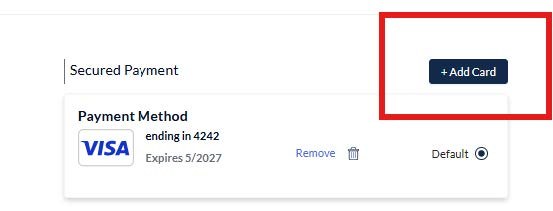
4. Click Add Card and add your new credit card information.
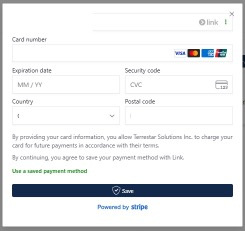
5. Fill in the required fields with your new card information and submit.
6. Select the new credit card as the default payment method.
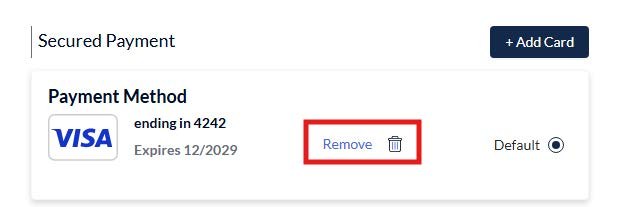
7. A maximum of two credit cards can be added per account. If you already have two cards in your account and want to add one, you’ll have to delete one first.