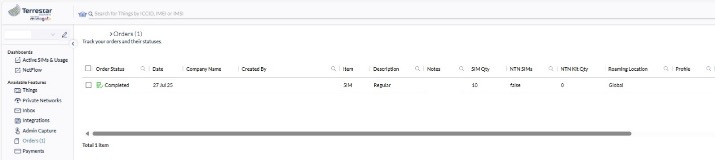
Getting started: Creating a new order
New orders can be generated via the order form.
A user with an Admin profile can access the order form via the order page by clicking the Create order button.
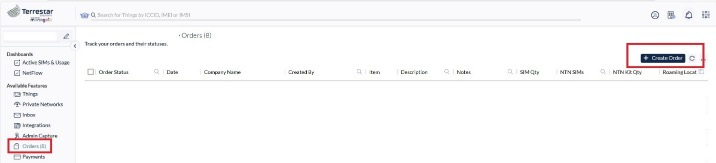
To create an order, simply complete the following:
1. Select your plan.
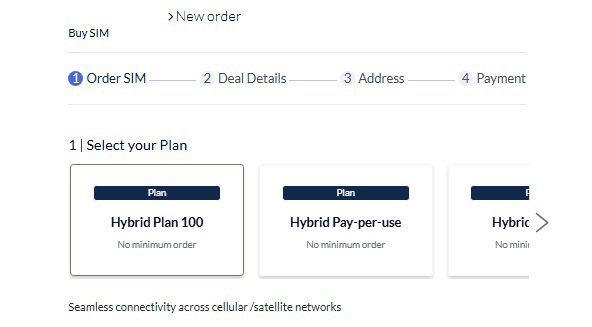
2. Select the SIM type.
3. Insert the required number of SIMs and click Next.
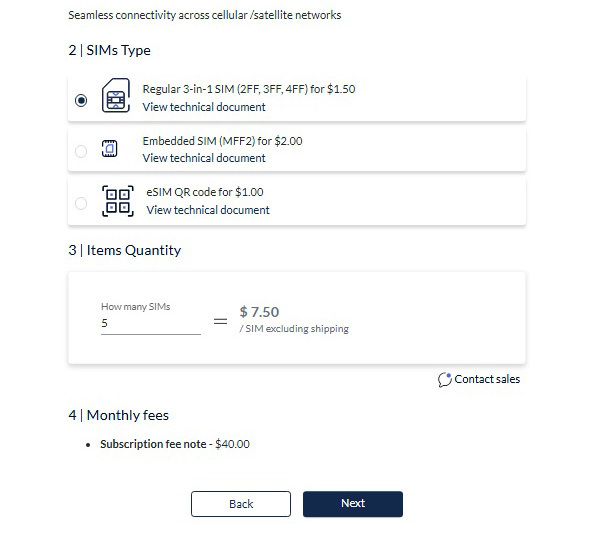
If you need any assistance with your order, you can contact our team via the Contact sales link in the order form.
4. Next, you’ll have access to an order summary page and its associated costs. Click Next.
5. Insert the shipping details, including the company billing address, if it’s different from the shipping address. Click Next.
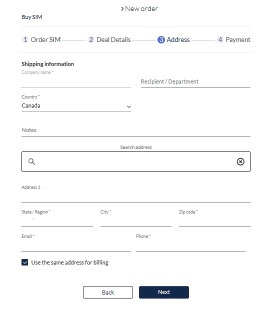
6. Review the order summary and enter your credit card number (if this info does not already exist).
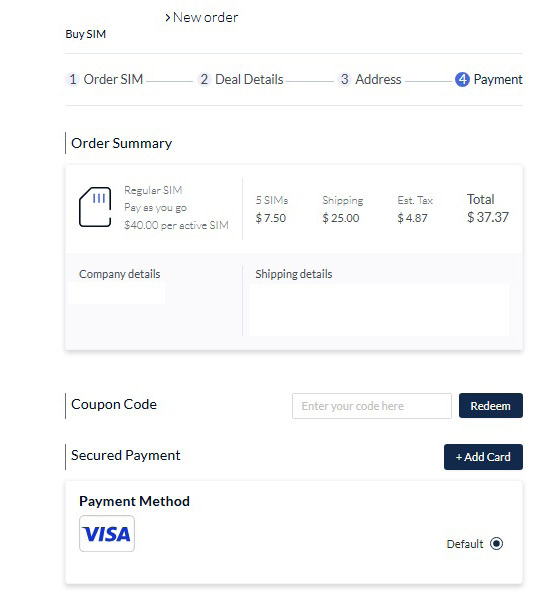
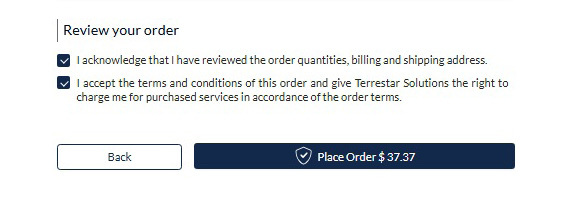
7. Confirm that you have reviewed the order and click the Place Order button.
8. When moving to the order page, you’ll notice that the order creation is still in process. Wait a few moments and you’ll see the order status change to the Awaiting Fulfillment.


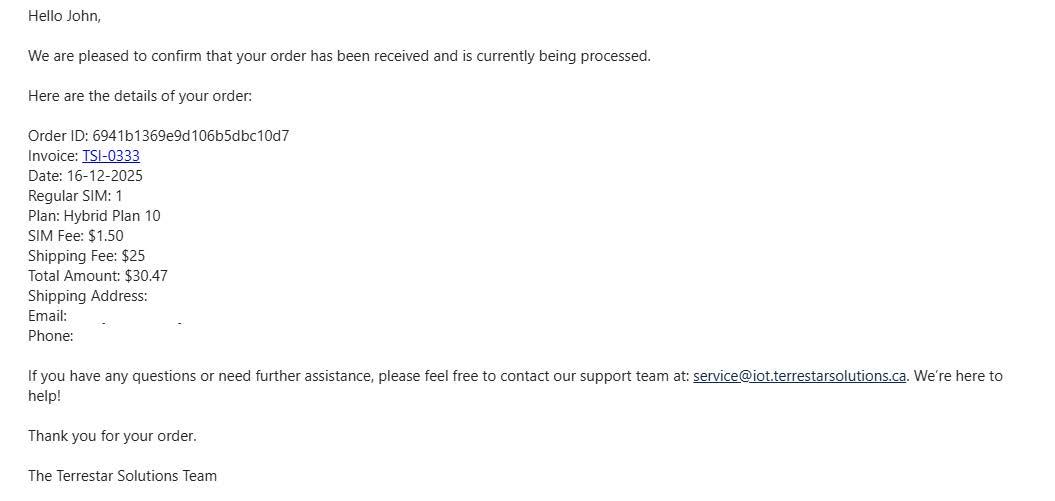
9. Once the order has been confirmed, you’ll receive an order confirmation email.
10. When the order is ready for shipping, your order status will change to Shipping in Progress.

11. Next, you’ll receive an email from our team with the shipping information Tracking number.
12. When the last status of the order has been completed and your delivery has shipped, your SIM cards will be visible on the Things page.