
Getting support: How to open a ticket
Download Step 7: Open a support ticket
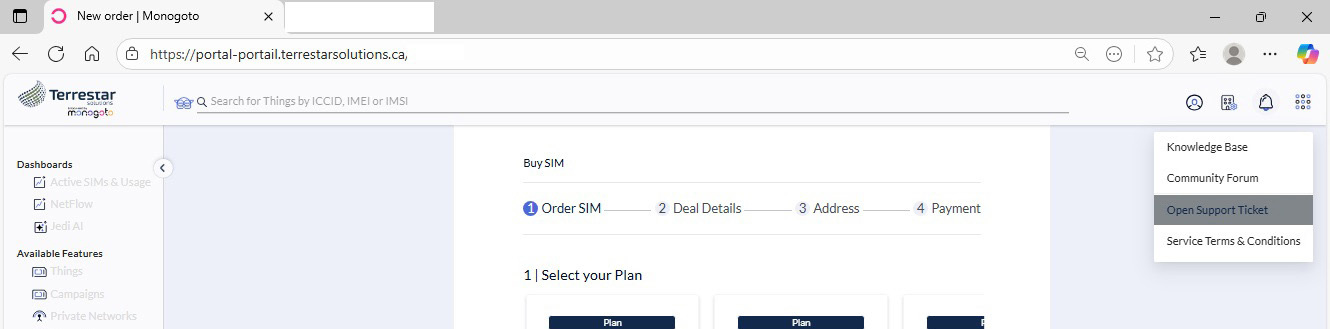
Access your Hybrid IoT account by logging in to the Terrestar Solutions portal
1. Click the Resources button in the top-right navigation bar.
2. Select Open Support Ticket.
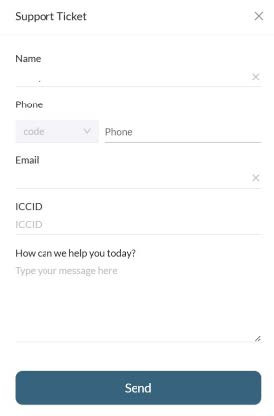
3. A pop-up window will appear. Fill in the form and click on the Send button.
You can also open a support ticket by sending an email to service@iot.terrestarsolutions.ca.